Active Directory
Users, groups and computers; password reset and unlock; time-limited membership; bulk changes from Excel; LAPS, BitLocker, Recycle Bin, DNS, DHCP and Group Policy.

v1.0 Licensed software by Badnite Tech
Active Directory, Exchange and Microsoft 365, devices, security tools and your service desk, managed from a single on-premises console with role-based access, two-factor sign-in and a complete audit log. It installs in one step on Windows Server, is licensed offline, and your data never leaves your network.
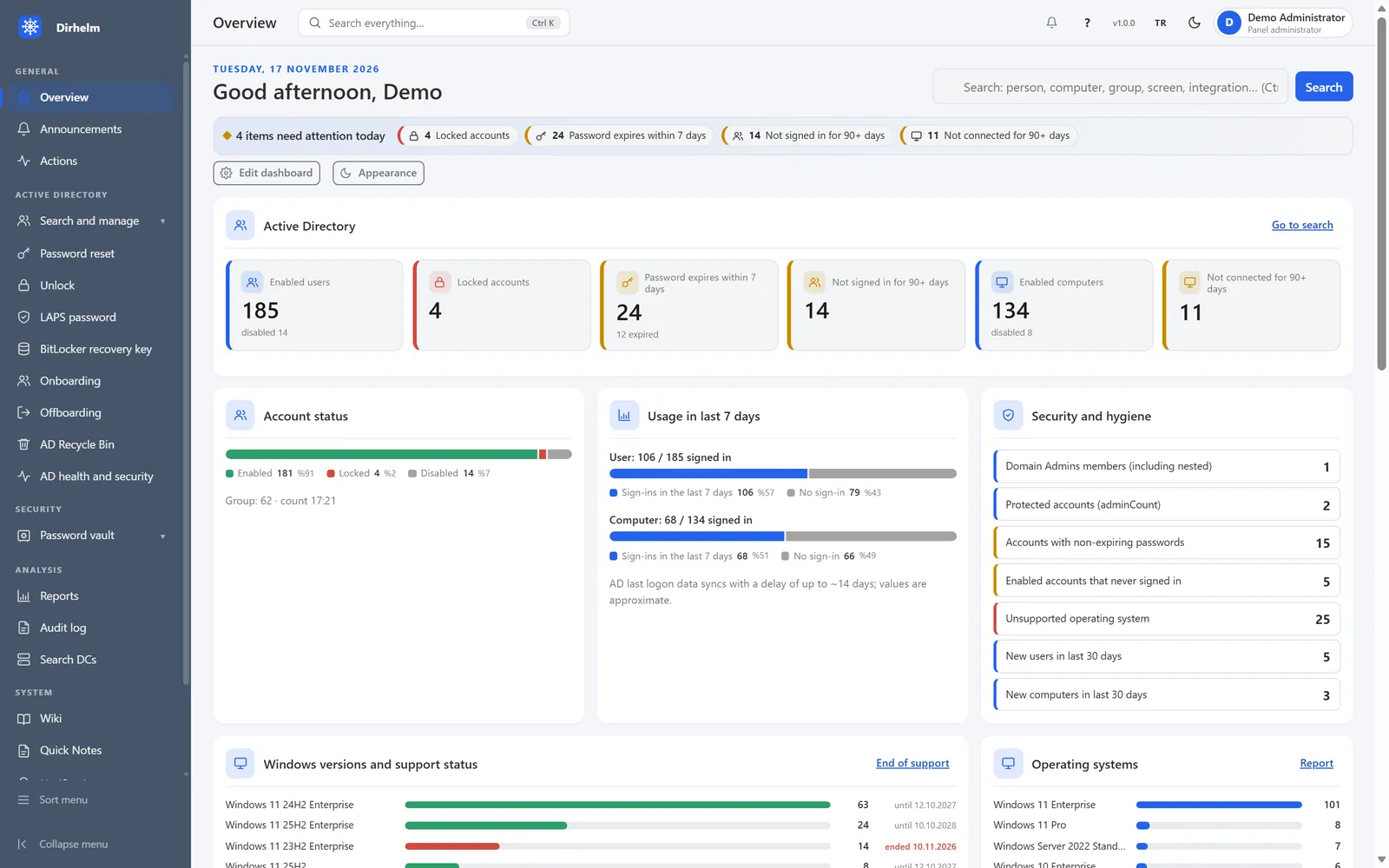
Why we built it
Dirhelm grew out of the daily work on the systems we integrate for our clients. Routine tasks that used to take five consoles, a spreadsheet and a script now happen in one place, with the right permissions and a record of who did what.
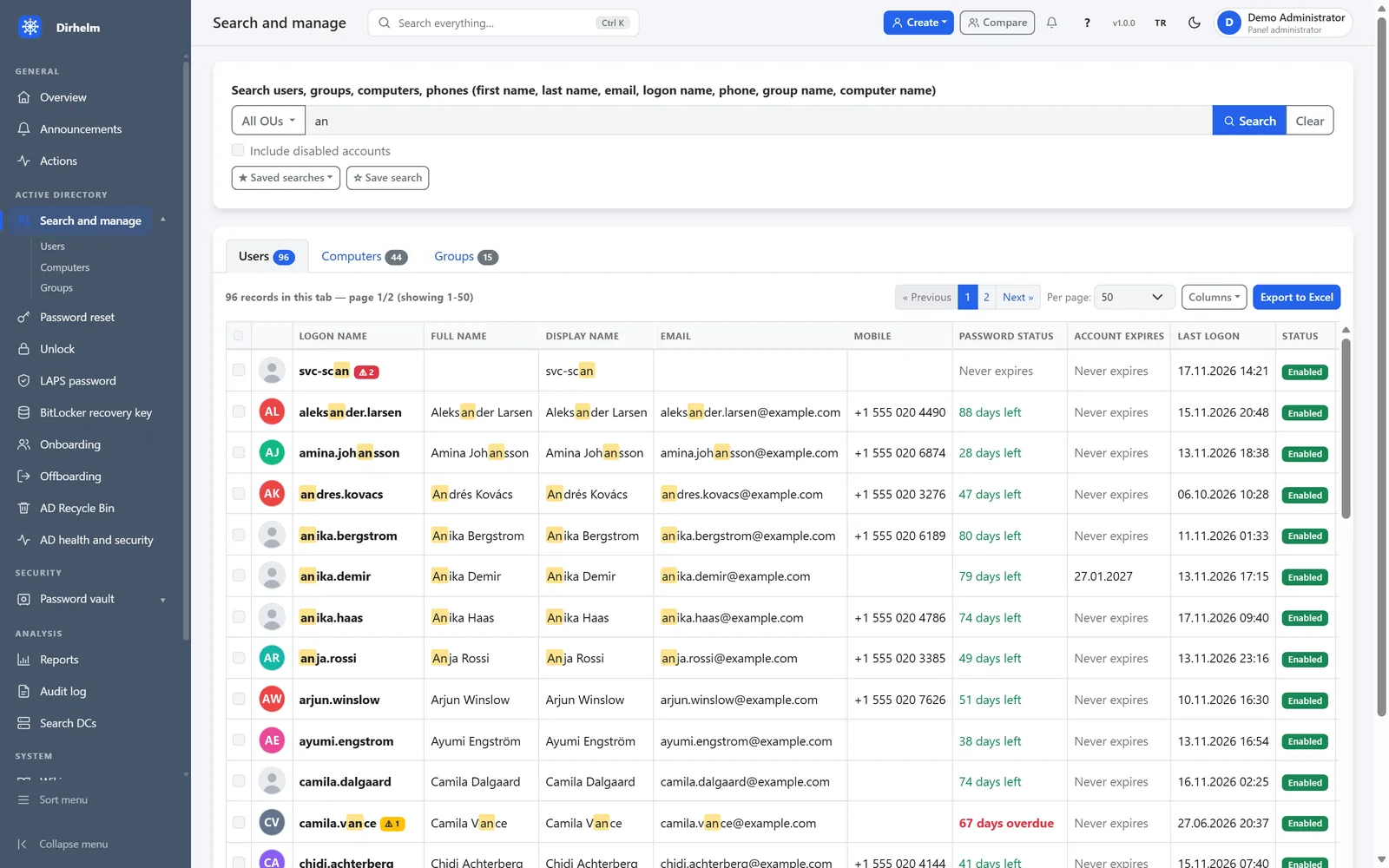
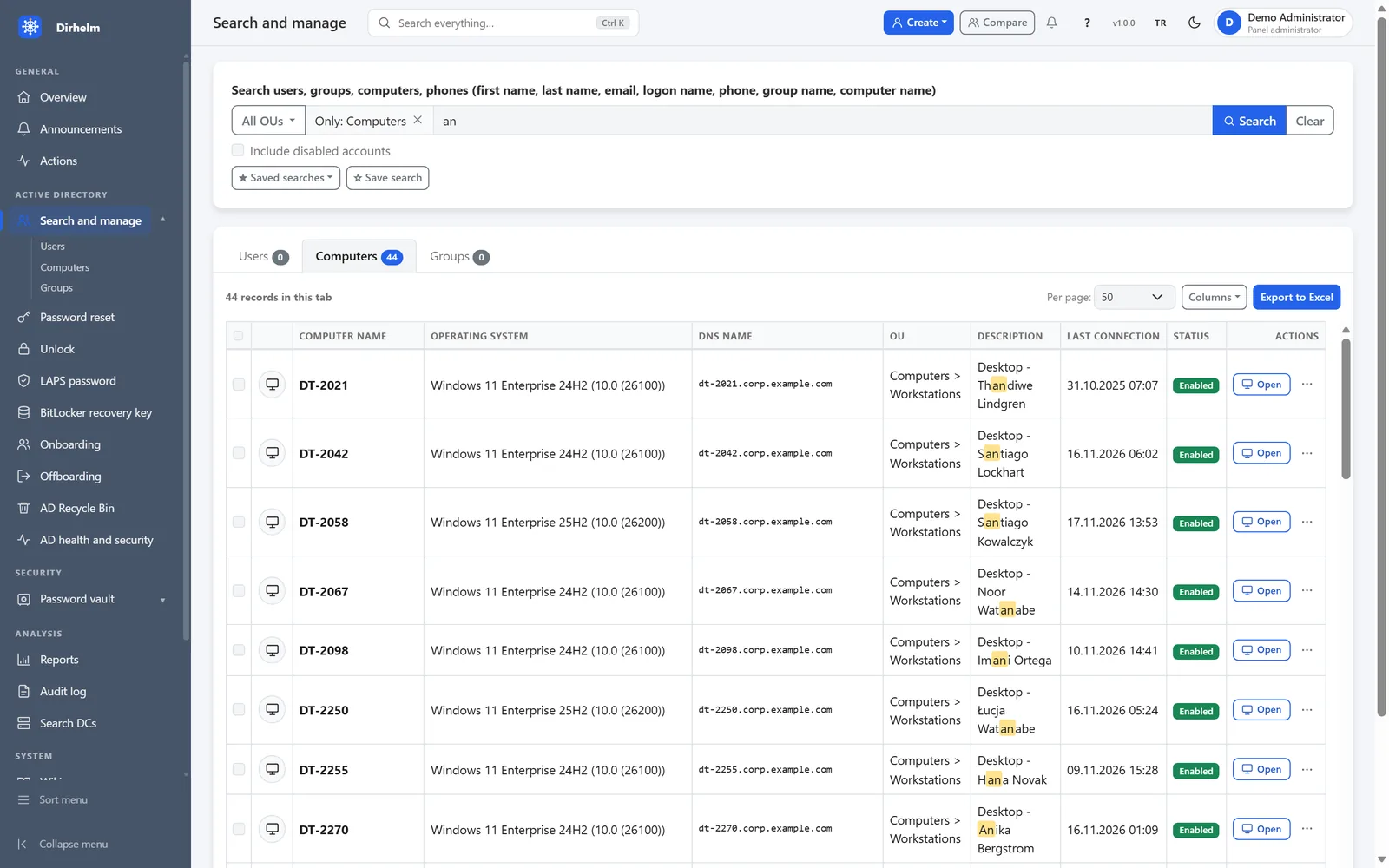
Active Directory
Search people, computers and groups by name, phone, email or logon name, then act on the result without opening another tool.
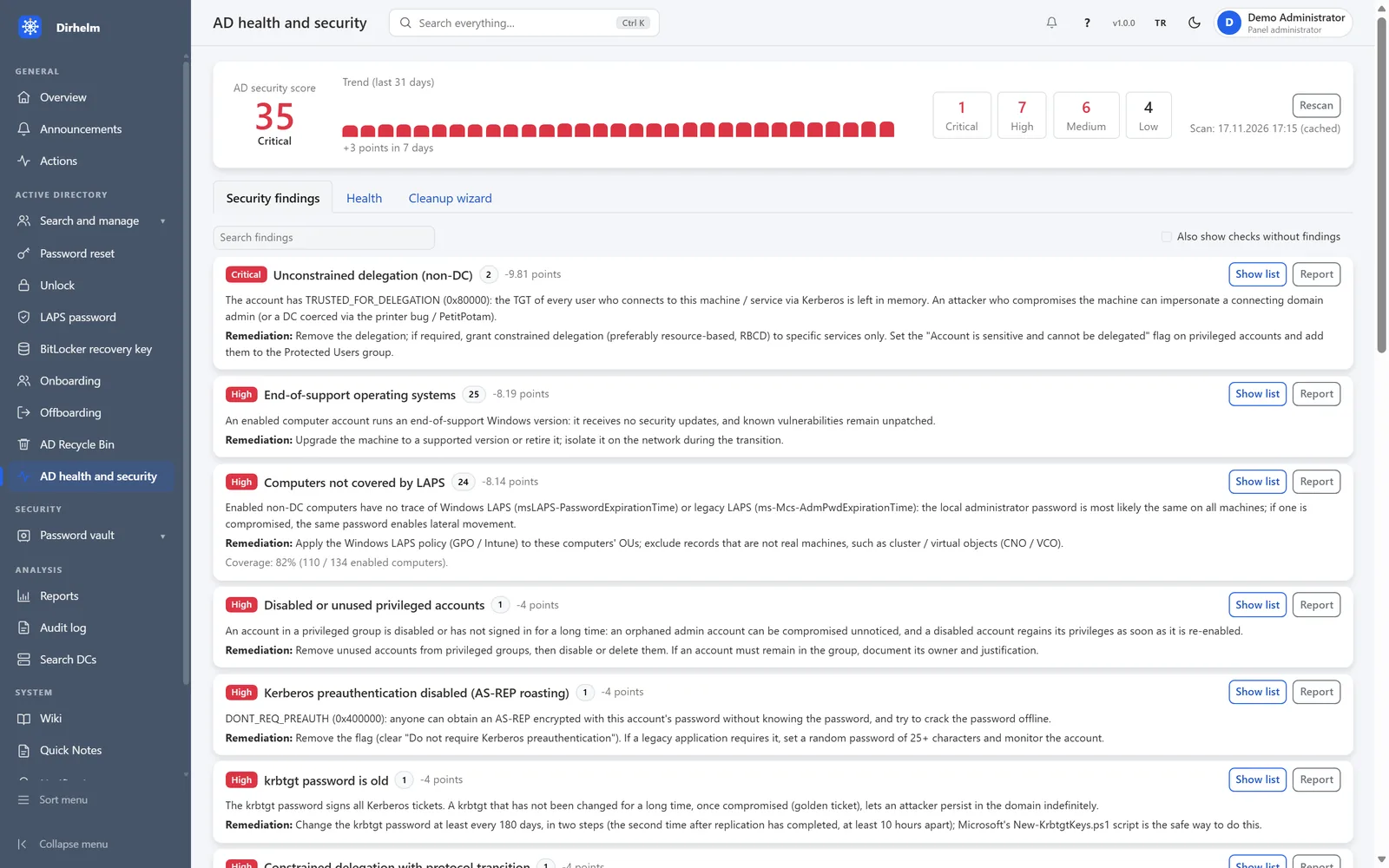
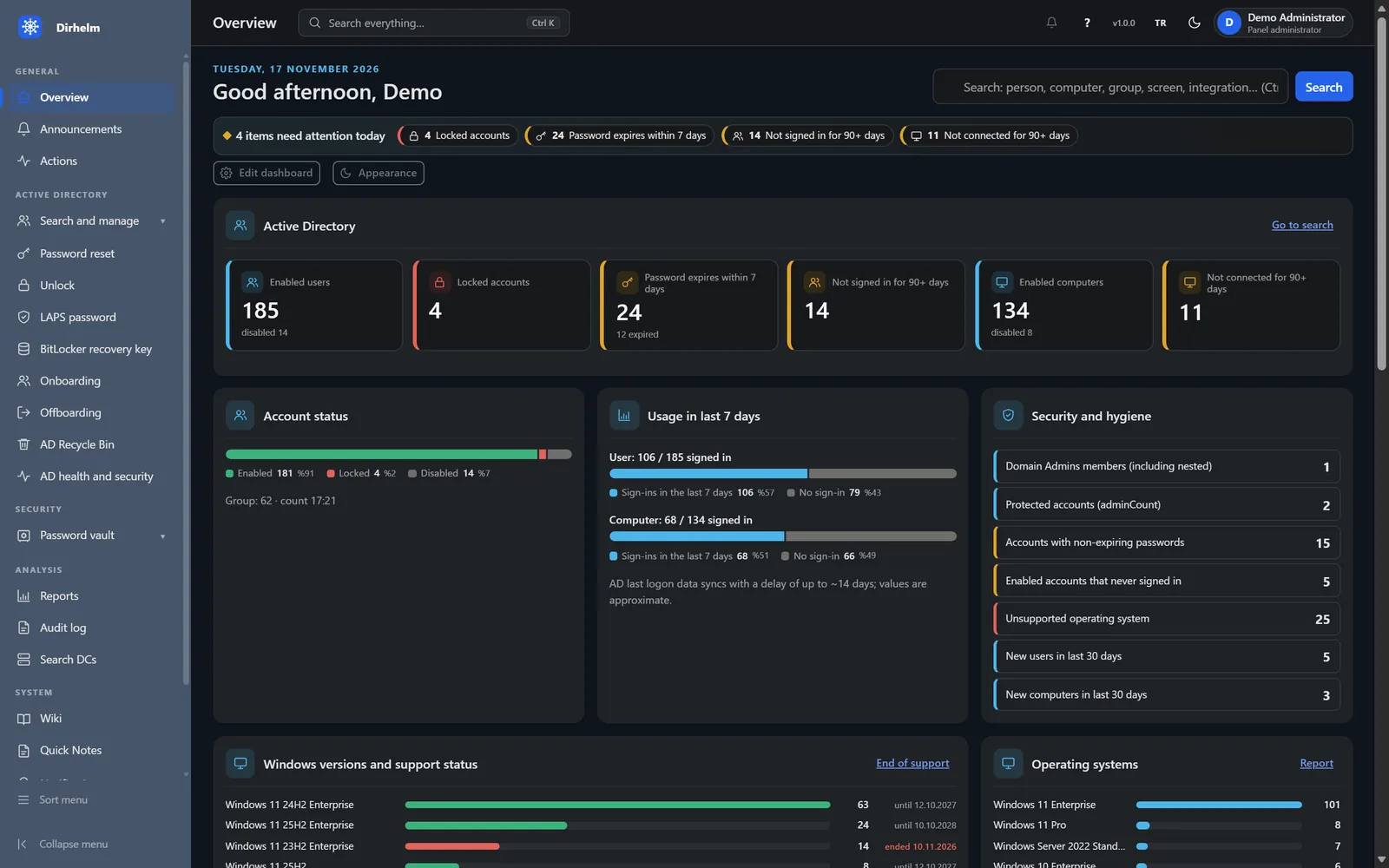
Health and security
A scan of your directory gives a score, a 30-day trend and a list of findings, each with its severity and the steps to fix it.
Joiners and leavers
Onboarding creates the accounts a new colleague needs. Offboarding walks through every connected system in one guided flow.
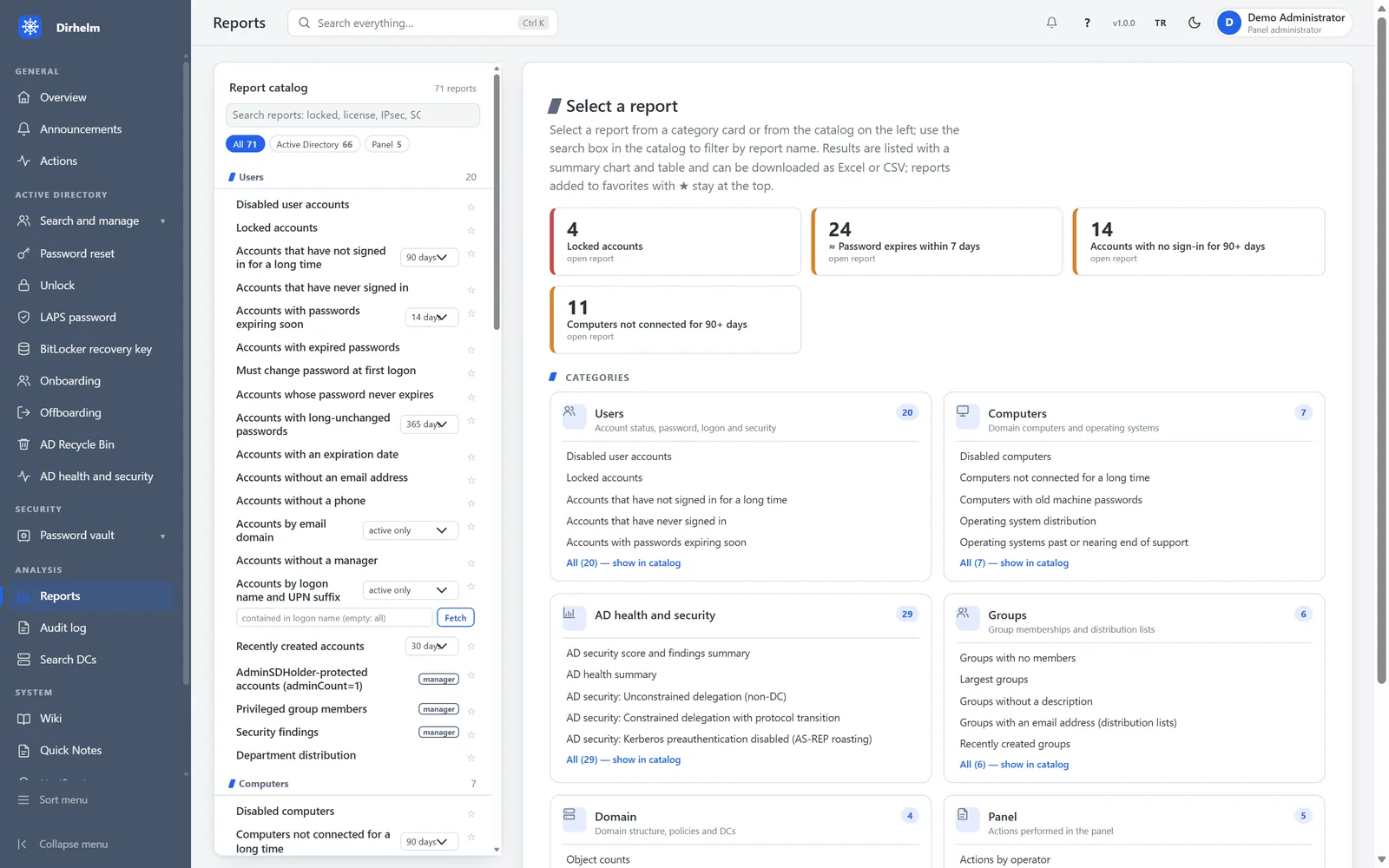
Reports
Ready-made reports for Active Directory, security, Microsoft 365 and inventory, each with a summary chart and a table.
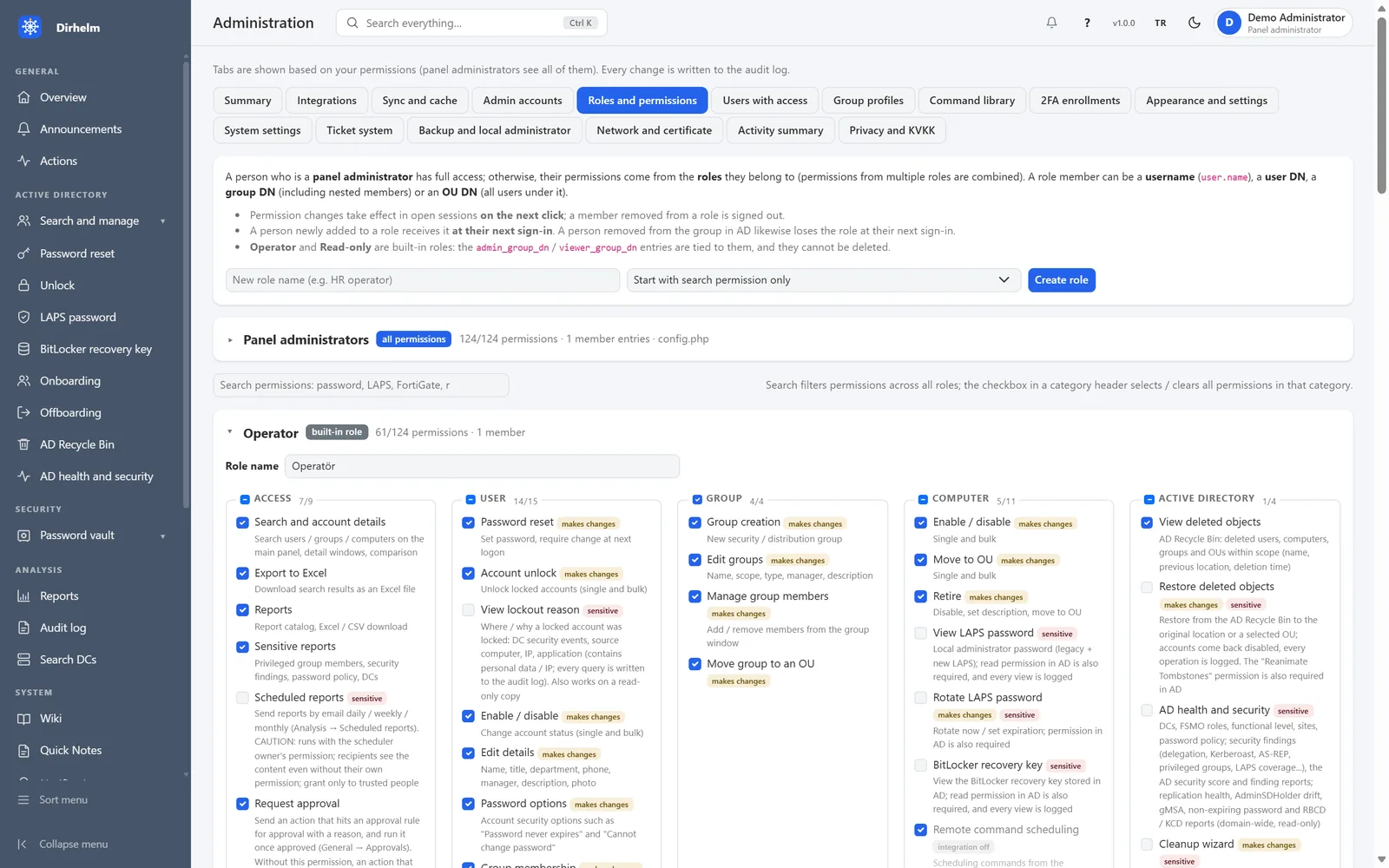
Permissions
Roles come from your own directory groups and decide what each operator can see and do, down to the single action.
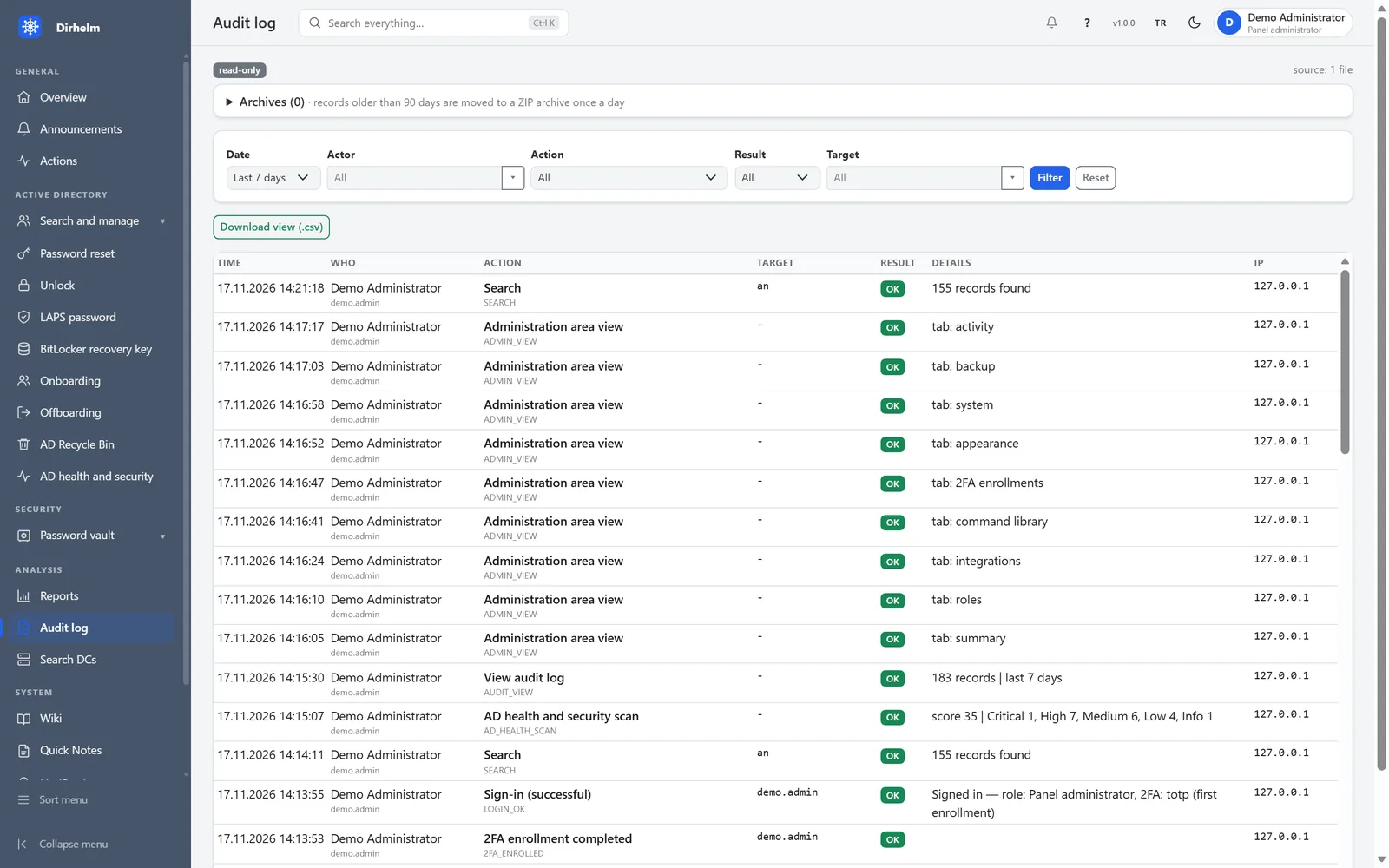
Audit log
Every search, change and sign-in is recorded with the operator, the target, the result and the source address.
What’s inside
Turn on the parts you need. Each one follows the same permissions and writes to the same audit log.
Users, groups and computers; password reset and unlock; time-limited membership; bulk changes from Excel; LAPS, BitLocker, Recycle Bin, DNS, DHCP and Group Policy.
Guided flows across every connected system, with approval, a summary before anything changes, printable exit documents and an undo snapshot.
Mailboxes, PST export, calendar sharing, connectors and transport rules on-premises; users, licences, MFA status and risky sign-ins in Microsoft 365.
Wazuh, SCCM, RustDesk, FortiGate, Intune and Snipe-IT out of the box, plus any REST API through the integration builder with 200+ ready-made templates and outgoing webhooks.
A reviewed PowerShell library run over WinRM under the operator’s own identity, on demand or on a schedule. User input reaches PowerShell only as data, never as code.
A separate ticket site with teams, routing, business-hours SLAs, a team board, tasks and reports, and single sign-in from the console.
End-to-end encrypted team messaging, announcements, a wiki, quick notes and a password vault with personal vaults, sharing levels and Bitwarden import and export.
Ready-made AD, security, Microsoft 365 and inventory reports, sent on a schedule if you like, and a complete audit log of every action.
A Ctrl+K palette that finds people, screens and integrations; dashboards you can rearrange; light and dark themes; a full English and Turkish interface.
Security by design
Dirhelm touches your most privileged systems, so we treated security as a feature from day one. These are the same answers we give security teams in a pre-sales review.
Tested before it ships
Every release candidate goes through the same gate. These are the results for version 1.0.
Deployment and licensing
A Windows Server installer and a guided setup wizard: organisation, first administrator, Active Directory and licence in minutes.
Ed25519-signed licence files with editions, modules and seats. Nothing phones home and nothing depends on the cloud, so it works in isolated networks.
A signed integrity manifest and clock-rollback detection protect the installation, and release builds refuse test keys.
Installation, administrator and integration guides in English and Turkish, and a guide built into the product.
Your rollout with Badnite
Dirhelm comes with the integrator behind it. Our engineers plan the rollout with your team and stay with you after go-live.
A walkthrough on demo data, focused on your environment and the questions your security team will ask.
A read-only pilot against your own directory, so you see real findings before you commit.
Installation, integrations, role design and training by Badnite engineers, then ongoing support.
Book a private demo and we will show you what the health scan finds in a read-only pilot.